For many US gamers, balancing a passion for high-performance gaming with the demands of work, family, and daily life is a constant challenge. You invest in a powerful gaming laptop to enjoy immersive experiences, build skills, or unwind with friends in titles like the latest open-world RPGs or competitive esports. However, a common frustration arises: your laptop heating up during intense sessions, leading to noticeable performance drops, discomfort, and worries about hardware longevity. This article dives deep into the effectiveness of cooling pads, addressing the crucial question: do cooling pads help gaming laptops maintain peak performance? We explore how these accessories work, when they are most beneficial, and what alternatives exist to keep your rig running cool and smooth. Discover practical solutions and smart tips to optimize your gaming setup without breaking the bank or sacrificing valuable playtime. We aim to empower you with the knowledge to make informed decisions, ensuring your gaming sessions remain fluid, enjoyable, and free from thermal throttling issues, allowing you to maximize your investment and focus on what truly matters: the game.
Related games- Guide to GTA Action Figures Collecting & Value
- Guide: What Happens in Game of Thrones Season 2 Plot
- Guide How To Make Awesome Roblox T Shirts Easily
- Guide Turn On R15 Roblox Easy Steps
Do cooling pads actually make a difference for gaming laptops?
Yes, cooling pads can provide a measurable reduction in gaming laptop temperatures, though the extent varies greatly depending on the laptop's design and the pad's quality. They work best for laptops that draw air from the bottom or have poorly ventilated bases. While they won't miraculously transform a struggling laptop, a good cooling pad can help prevent thermal throttling, extend component life, and maintain consistent performance during long gaming sessions. Many gamers, particularly those balancing intense titles with demanding schedules, find even a few degrees of cooling to be a significant benefit, reducing stuttering and improving comfort during extended play.
What is the ideal temperature range for a gaming laptop while playing?
Ideally, your gaming laptop's CPU and GPU should operate below 85 degrees Celsius during heavy load. Temperatures consistently above 90-95 degrees Celsius are a red flag and indicate potential thermal throttling, which can degrade performance and shorten the lifespan of your components. Monitoring your temperatures with software like HWMonitor or MSI Afterburner can help you understand your laptop's thermal behavior. Keeping temperatures in check ensures your components can run at their intended speeds, delivering the smooth, uninterrupted gameplay that busy gamers value for their limited leisure time.
Are active cooling pads with fans better than passive ones?
For gaming laptops, active cooling pads with integrated fans are almost always superior to passive cooling solutions. Passive pads primarily elevate the laptop for better natural airflow, but they lack the active air movement needed to significantly dissipate heat from components under heavy gaming load. Active pads push or pull air directly onto or away from the laptop's vents, actively reducing internal temperatures. This direct airflow is crucial for preventing thermal throttling in demanding games, making active pads the go-to choice for serious gamers looking for tangible performance benefits and component protection.
How much can a cooling pad lower my gaming laptop's temperature?
A high-quality cooling pad can typically lower your gaming laptop's CPU and GPU temperatures by 3 to 10 degrees Celsius. The exact temperature drop depends on several factors: the laptop's original thermal design, the efficiency and placement of the cooling pad's fans, and the ambient room temperature. While a 10-degree drop can be significant in preventing throttling and improving stability, a 3-5 degree reduction is still valuable for extending component longevity. For gamers who need every bit of performance and want to protect their investment, even modest temperature reductions can make a noticeable difference in their gameplay experience.
When should I consider buying a cooling pad for my gaming laptop?
You should consider buying a cooling pad if your gaming laptop frequently experiences noticeable performance drops, fan noise, or becomes uncomfortably hot to touch during gaming sessions. It's especially beneficial if you play graphically demanding games for extended periods, use your laptop on soft surfaces (like a bed or lap) that obstruct airflow, or if your laptop is a few years old and its internal cooling system might be less efficient. A cooling pad is a relatively affordable preventative measure to enhance your gaming experience, protect your hardware, and ensure you get the most out of your cherished gaming time.
Do cooling pads improve FPS in games?
Cooling pads don't directly boost FPS (frames per second) in games like a GPU upgrade would. However, they can *indirectly* improve or stabilize FPS by preventing thermal throttling. When a gaming laptop's CPU or GPU gets too hot, it automatically reduces its clock speed to cool down, leading to noticeable performance drops and stuttering. By helping to keep temperatures in check, a cooling pad ensures your laptop's components can run at their maximum intended speeds for longer, thus maintaining consistent and higher FPS that you would otherwise lose due to overheating. It's about preserving optimal performance, not increasing it beyond the hardware's limits.
What are the best practices for maximizing a cooling pad's effectiveness?
To maximize your cooling pad's effectiveness, ensure its fans align with your laptop's air intake vents, which are usually on the bottom. Elevate your laptop on the pad to ensure proper airflow underneath. Keep your laptop's internal vents clean by regularly dusting them out; a clean laptop cools much better. Also, use the cooling pad on a flat, hard surface rather than soft furnishings that can block airflow. Adjust fan speeds on the pad to match your gaming intensity. Combining a good cooling pad with regular internal cleaning and playing in a cool environment will yield the best results for consistent, high-performance gaming.
Hey fellow gamers! If you're anything like the average US gamer, probably around 36 years old, you're juggling work, family, and that precious time you carve out to dive into your favorite virtual worlds. Whether it's unwinding with friends in a social sandbox, sharpening your skills in a competitive shooter, or getting lost in a narrative-rich adventure, your gaming laptop is your portal. But let's be real: there's nothing more frustrating than feeling your powerful machine get hot, the fans ramping up like a jet engine, and then *bam* – your frames drop, the game stutters, and that immersive experience you craved is suddenly marred by thermal throttling. You've probably asked yourself, 'Do cooling pads help gaming laptops, or are they just expensive pieces of plastic and fans?' You're not alone. With 87% of US gamers regularly diving into games, averaging over 10 hours a week, and a significant portion relying on versatile laptops, keeping that hardware in top shape is crucial for both performance and longevity. This month, as we see a surge in demand for hardware optimization, especially with new titles pushing systems to their limits, understanding how to manage laptop heat is more important than ever. In this comprehensive guide, we're going to cut through the hype and give you the real answers. We'll explore exactly what cooling pads do, if they're worth your hard-earned cash, and offer practical, actionable advice to keep your gaming laptop running cool, smooth, and ready for your next adventure. No corporate jargon, just straight talk from one gamer to another.
What is Thermal Throttling and Why Does it Matter to Gamers?
Thermal throttling is your laptop's built-in self-preservation mechanism. When internal components like your CPU (Central Processing Unit) and GPU (Graphics Processing Unit) get too hot during intense gaming, the system automatically reduces their clock speeds to prevent damage. Think of it like a car engine slowing down when it's overheating. For you, the gamer, this means a sudden drop in frame rates, stuttering gameplay, and a generally less responsive experience. This can be infuriating, especially when you're in the middle of a crucial boss fight or a tense multiplayer match, where every millisecond counts. Preventing thermal throttling is key to maintaining consistent, high-performance gaming, ensuring your expensive hardware performs as advertised. Nobody wants their precious gaming time ruined by a laggy machine.
With demanding modern titles and the rise of visually stunning games, pushing hardware to its limits is commonplace. This month, gamers are reporting increased thermal issues with new releases. The average US gamer, often balancing work and family, values their limited gaming sessions immensely. They expect their machine to perform reliably, not buckle under pressure. Understanding and mitigating thermal throttling is not just about raw power; it's about preserving that smooth, immersive experience that makes gaming worthwhile. Ignoring high temperatures can lead to premature component wear, shortening your laptop's life and making that budget upgrade seem much closer than you'd like.
How Do Gaming Laptop Cooling Pads Actually Work?
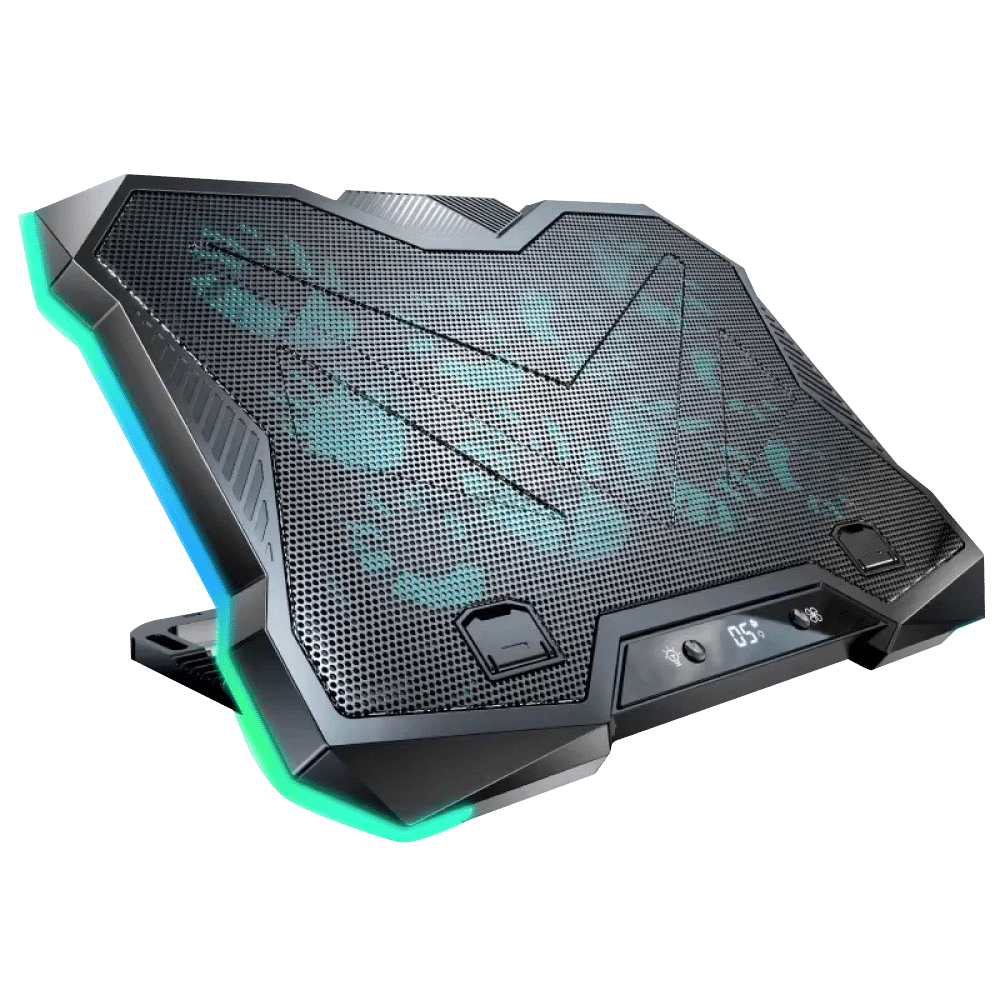
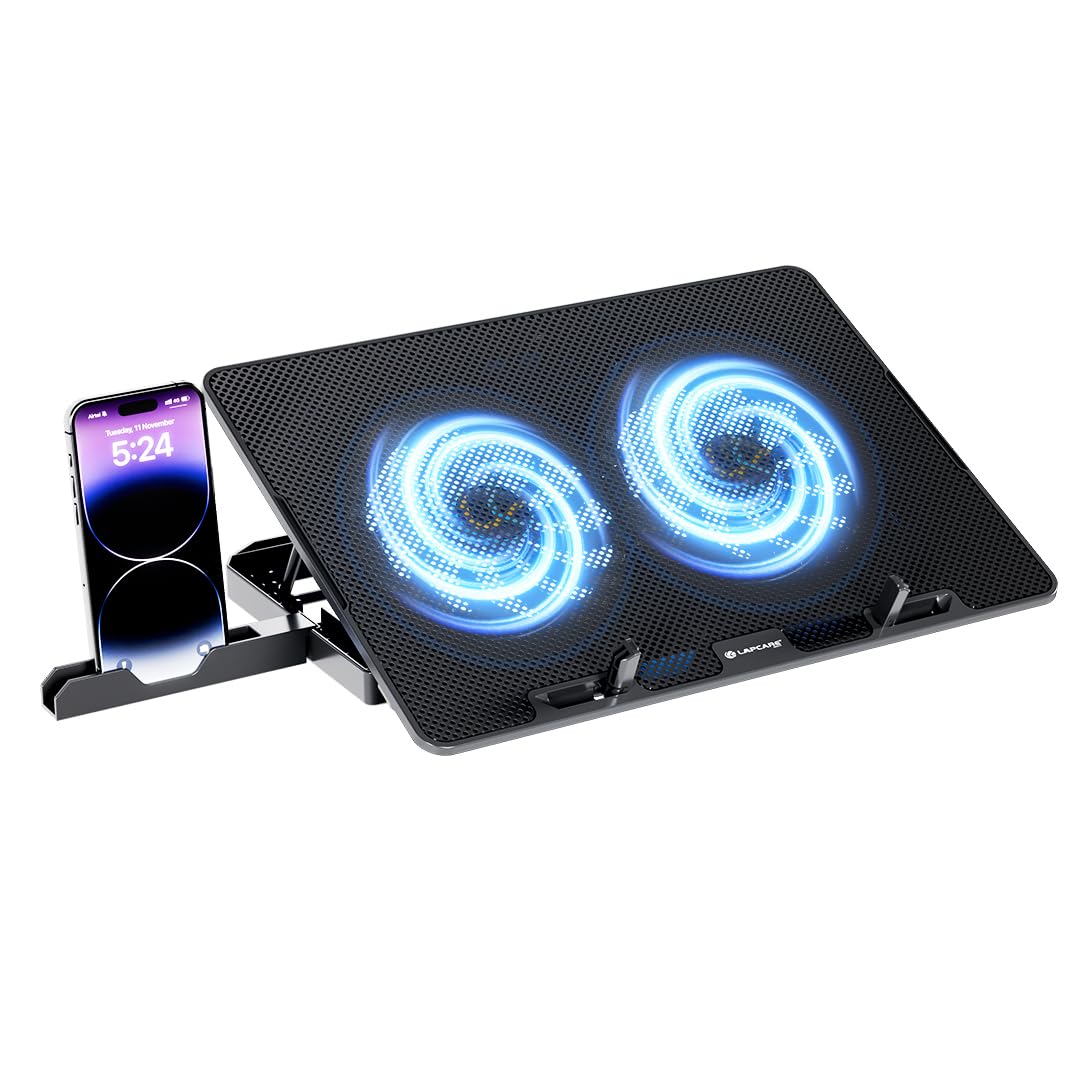
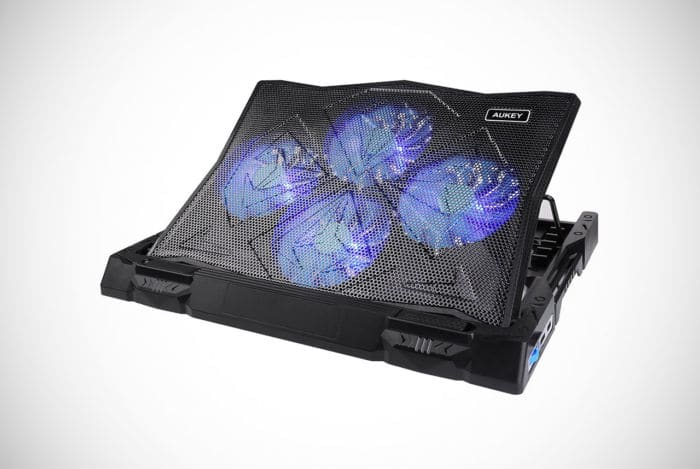
At its core, a gaming laptop cooling pad works by enhancing airflow around and through your laptop's chassis. Most pads feature one or more fans designed to either blow cool air upwards into your laptop's intake vents or pull hot air away from its exhaust ports. By creating this additional, directed airflow, cooling pads help dissipate the heat generated by your laptop's internal components more efficiently. The elevated design of many pads also improves natural convection, allowing hot air to escape more easily from the bottom of your machine, which often becomes a stagnant heat trap when resting on a flat surface. This supplementary cooling is crucial because modern gaming laptops pack powerful, heat-generating components into increasingly thin designs, often pushing their integrated cooling systems to the brink.
The effectiveness of a cooling pad hinges on a few key factors. First, the alignment of the pad's fans with your laptop's intake vents. If your laptop draws air from the bottom, a pad that blows air directly into those vents will be most beneficial. Second, the quality and size of the fans themselves; larger fans typically move more air quietly. Third, the ergonomic design, which often tilts your laptop, creating a better angle for typing and screen viewing while also providing more space underneath for optimal airflow. It's a simple concept, but the right implementation can make a noticeable difference in your laptop's thermal management, allowing you to game longer and harder.
Do Cooling Pads Really Help Gaming Laptops Reduce Temperatures?
Yes, in most scenarios, cooling pads do help gaming laptops reduce temperatures, often by a measurable margin. While they aren't a magic bullet for every thermal issue, a good quality cooling pad can typically lower CPU and GPU temperatures by 3 to 10 degrees Celsius during intensive gaming sessions. This reduction, while it might not sound dramatic, can be critical. Even a few degrees can be the difference between your laptop operating within its optimal thermal envelope and entering a state of thermal throttling. Many gamers have reported smoother gameplay, fewer frame drops, and reduced fan noise after incorporating a cooling pad into their setup.
However, it's important to set realistic expectations. A cooling pad augments your laptop's existing cooling system; it doesn't replace it. Its effectiveness is most pronounced for laptops that draw a lot of air from their bottom chassis, or for users who often game on soft surfaces like beds or laps, which naturally block vents. If your laptop already has a highly efficient cooling system or suffers from extreme internal dust buildup, the benefits might be less dramatic. Think of it as an extra layer of defense against heat, an affordable way to optimize your existing hardware without delving into complex internal modifications. For the 60% of US gamers who prioritize performance optimization and value for money, a cooling pad offers tangible benefits.
When is a Cooling Pad Most Effective for a Gaming Laptop?
A cooling pad is most effective in several specific scenarios that many busy gamers encounter daily. Firstly, if you frequently game for extended periods, especially on demanding titles. Longer sessions generate more heat, and a pad helps sustain optimal temperatures. Secondly, if you often play on surfaces that naturally restrict airflow, such as a bed, carpet, or even your lap. These soft surfaces act like blankets, trapping heat and blocking vital intake vents. A cooling pad elevates the laptop, creating essential clearance for air circulation. Thirdly, if your laptop is showing signs of age or has a known design flaw that leads to poor thermal performance, a cooling pad can offer a much-needed boost.
Consider the realities of gaming for the average US adult. You might grab an hour on your lunch break or an evening session after the kids are asleep. You want that experience to be flawless. With this month's trends showing a high engagement in cross-play and social games, maintaining consistent performance is key for those Discord sessions with friends. A cooling pad becomes an essential part of your setup if your laptop's fans are constantly at max speed, or if you're noticing micro-stutters or frame drops in games where your system should theoretically excel. It's a proactive step to protect your investment and ensure your limited gaming time is as enjoyable as possible.
What Features Should I Look For in a Good Gaming Laptop Cooling Pad?
Choosing the right cooling pad can make all the difference. Here are the key features to prioritize:
- Fan Configuration and Size: Look for pads with large, quiet fans, ideally 120mm or larger, as they move more air with less noise. Multiple smaller fans can also be effective if strategically placed. Consider pads where you can adjust fan speeds or even turn individual fans on/off to target hot spots.
- Adjustable Height and Ergonomics: A pad that allows you to tilt your laptop to various angles not only improves airflow but also enhances ergonomics, reducing wrist and neck strain during long gaming sessions. This is a huge plus for gamers who spend hours at their desks.
- Airflow Direction: Understand if your laptop pulls air from the bottom or exhausts heat through the bottom. Choose a pad that complements this, typically blowing air upwards. Many modern gaming laptops benefit most from pads that push cool air into their intake vents.
- Build Quality and Materials: Durable plastic or metal mesh (aluminum is excellent for heat dissipation) construction is important for longevity. Avoid flimsy designs.
- USB Passthrough Ports: Since cooling pads usually occupy a USB port for power, models with USB passthrough (an extra USB port on the pad itself) are incredibly convenient, ensuring you don't lose a valuable port.
- RGB Lighting (Optional but Fun): For many gamers, aesthetics matter! While not performance-critical, RGB lighting can add to your gaming setup's flair, aligning with the current trend of personalized battlestations.
Focusing on these features ensures you get a cooling pad that genuinely serves your needs and provides real benefits rather than just taking up space. It's about smart spending to get tangible value.
Are There Any Downsides to Using a Cooling Pad for Gaming?
While cooling pads offer many benefits, there are a few potential downsides to consider.
- Portability: Many effective cooling pads are bulky and add significant weight to your gaming setup, making your laptop less portable. If you're a gamer on the go, this might be a factor.
- Noise: While some pads boast quiet fans, adding extra fans inevitably introduces more noise into your gaming environment. For some, this can be distracting, though often it's less intrusive than a throttled laptop's internal fans screaming.
- USB Port Usage: Most cooling pads require a USB port for power. While some offer passthrough, you might still lose a valuable port, especially if your laptop has limited connectivity.
- Limited Effectiveness on Certain Laptops: If your laptop's intake vents are on the sides or rear, or if its chassis design doesn't allow for much bottom airflow, a cooling pad's benefits might be minimal. It's crucial to check your laptop's design before purchasing.
- Dust Accumulation: By moving more air, cooling pads can potentially draw more dust into your laptop's internal cooling system over time, necessitating more frequent internal cleaning.
These downsides are generally minor compared to the benefits, especially for performance-conscious gamers. It's about weighing the pros and cons for your specific setup and gaming habits. For most, the trade-offs are well worth the improved thermal performance and extended hardware life.
What Alternatives or Combinations Can Improve Laptop Cooling?
A cooling pad is just one piece of the thermal management puzzle. Combining it with other strategies can yield even better results.
- Regular Internal Cleaning: Dust buildup is the enemy of laptop cooling. Over time, dust accumulates on fan blades and heatsinks, acting as an insulating layer. Regularly cleaning your laptop's internal fans and vents (with compressed air) can dramatically improve its cooling efficiency. This is often the single most effective step you can take.
- Repasting Thermal Paste: For older laptops or those consistently running very hot, replacing the CPU and GPU's thermal paste with a high-quality compound can make a significant difference. This is a more advanced task, but the payoff in temperature reduction can be substantial.
- Elevate Your Laptop: Even without a powered cooling pad, simply elevating your laptop using a stand or even small books can improve natural airflow underneath, reducing temperatures by a few degrees.
- Optimize In-Game Settings: Lowering graphics settings like shadow quality, anti-aliasing, or resolution can reduce the load on your GPU, thus generating less heat. It's a trade-off between visual fidelity and thermal performance.
- Control Ambient Temperature: Playing in a cooler room (e.g., with AC or a fan) naturally helps your laptop dissipate heat more effectively.
- Power Management Settings: Adjusting your laptop's power plan to prioritize cooling over maximum performance can also help, though this might slightly reduce peak FPS.
For US gamers who value their hardware and want to make it last, a holistic approach to cooling, combining a good cooling pad with regular maintenance, is the ultimate strategy.
Is a Cooling Pad a Smart Investment for My Gaming Setup?
Considering the average investment in a gaming laptop, a cooling pad is indeed a smart and cost-effective investment for most gamers. For a relatively low price, you gain several tangible benefits:
- Performance Stability: By preventing thermal throttling, your games will run more consistently, delivering the smooth frame rates you paid for.
- Extended Hardware Lifespan: Lower operating temperatures reduce wear and tear on sensitive components like the CPU and GPU, potentially extending the life of your expensive gaming laptop.
- Improved Comfort: A cooler laptop means a cooler keyboard and palm rest, making those long gaming sessions much more comfortable.
- Better Value Retention: A well-maintained laptop, kept at optimal temperatures, will likely have a higher resale value down the line.
In 2026, with major titles continually pushing graphical boundaries and gamers spending significant time on their rigs (87% of US gamers play regularly, often for 10+ hours a week), protecting that investment makes sense. Especially for those balancing jobs and families, their gaming laptop is a key source of relaxation and entertainment. A cooling pad isn't just an accessory; it's a piece of mind, ensuring your machine can keep up with your adventures without skipping a beat.
So, do cooling pads help gaming laptops? The answer is a resounding yes, for most gamers and most laptops. While not a cure-all, a quality cooling pad can significantly improve thermal management, preventing performance-sapping thermal throttling and extending the lifespan of your valuable hardware. We've seen how they work, when they're most effective, and what features to look for, all while keeping in mind the realities of balancing a passionate gaming life with adult responsibilities. By understanding your laptop's cooling needs and combining a smart cooling pad choice with good maintenance habits, you can ensure your gaming rig stays cool, quiet, and ready to deliver the immersive experiences you crave.
Don't let overheating cut short your precious gaming moments or compromise your investment. Take proactive steps to keep your machine happy, and it will repay you with countless hours of smooth, uninterrupted fun. What's your biggest gaming challenge when it comes to keeping your laptop cool? Share your tips or questions in the comments below!
Q: Should I use a cooling pad even if my laptop isn't overheating?
A: Yes, using a cooling pad preventatively can help maintain lower temperatures, reduce long-term wear on components, and ensure peak performance even before overheating becomes a noticeable issue.
Q: Can a cooling pad damage my laptop?
A: No, a properly used cooling pad will not damage your laptop. In fact, by reducing heat, it helps protect internal components and can extend their lifespan.
Q: How often should I clean my cooling pad?
A: It's good practice to clean your cooling pad every 1-3 months, especially its fans and vents, to prevent dust buildup from reducing its effectiveness. A quick wipe-down with a cloth is usually sufficient.
Q: Are there gaming laptops that don't need a cooling pad?
A: Some high-end gaming laptops with exceptionally robust internal cooling systems might experience minimal benefits from a cooling pad. However, most gaming laptops, especially under sustained heavy load, will still see some temperature reduction and stability improvements.
Q: Can I use a regular desk fan instead of a cooling pad?
A: While a desk fan can provide some ambient cooling, it's generally less effective than a dedicated cooling pad. Cooling pads are designed to direct airflow specifically to your laptop's intake vents, offering more targeted and efficient cooling than a general room fan.
Cooling pads offer moderate thermal improvement for gaming laptops. They are most effective when laptop vents are obstructed or poorly designed. Not a complete fix for severe overheating; consider internal cleaning and repasting. Look for pads with adjustable fan speeds, ergonomic design, and proper airflow direction. Cost-effective solution compared to full hardware upgrades for minor temperature drops. Can extend laptop component lifespan and prevent performance throttling during long sessions.
35

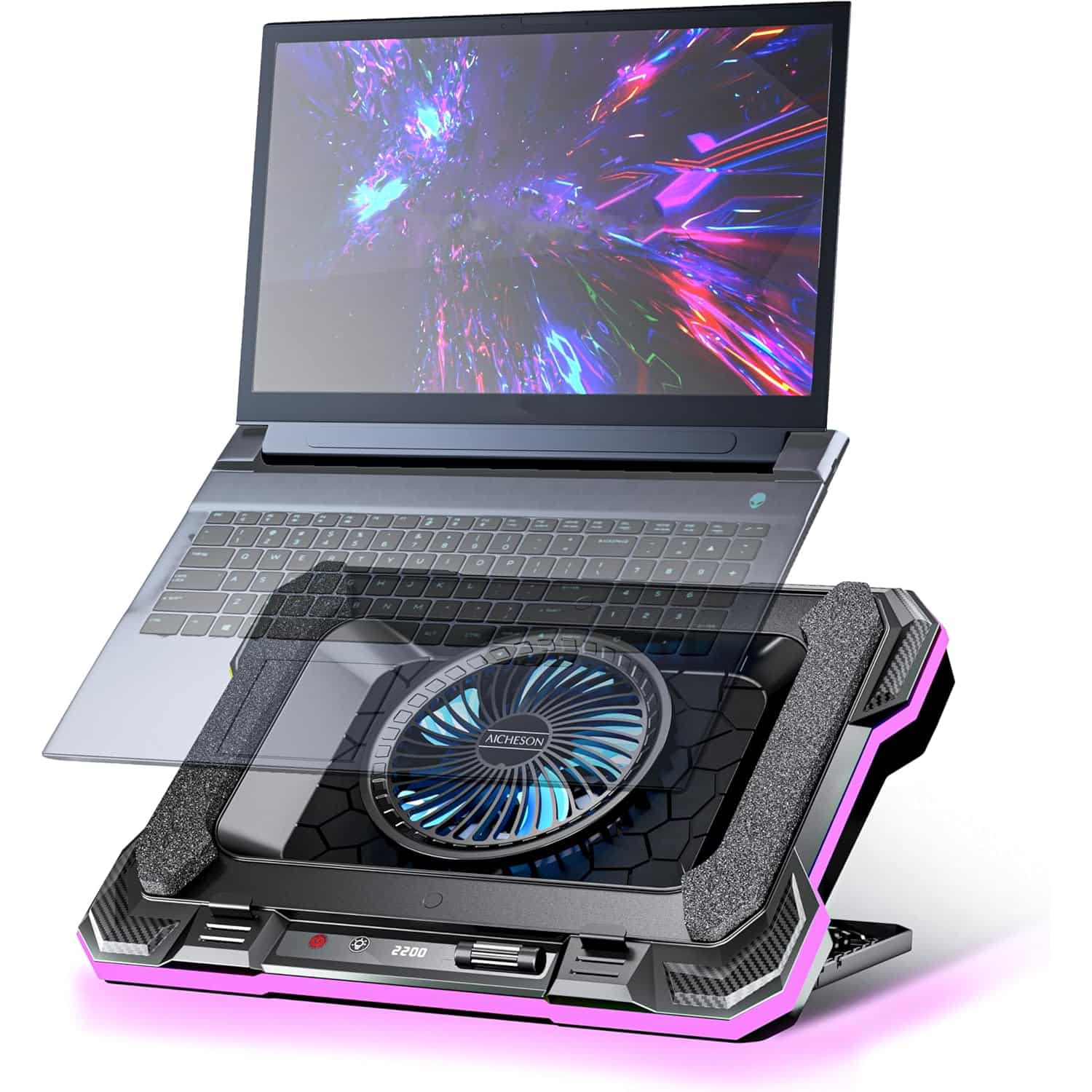


The 5 Best Laptop Cooling Pads For Gaming Performance 2026 Best Laptop Cooling Pads.webp. Amazon Com KLIM Ultimate RGB Laptop Cooling Pad With LED Rim New AC . 5 Best Laptop Cooling Pads Of 2025 Beat Overheating Boost Performance Gaming Laptop Cooling Pad Img06 . Top 10 Best Laptop Cooling Pads 2026 EXPERTPICKS Laptop Cooling Pads Scaled . Cooling Pad TopMate C5 Edit


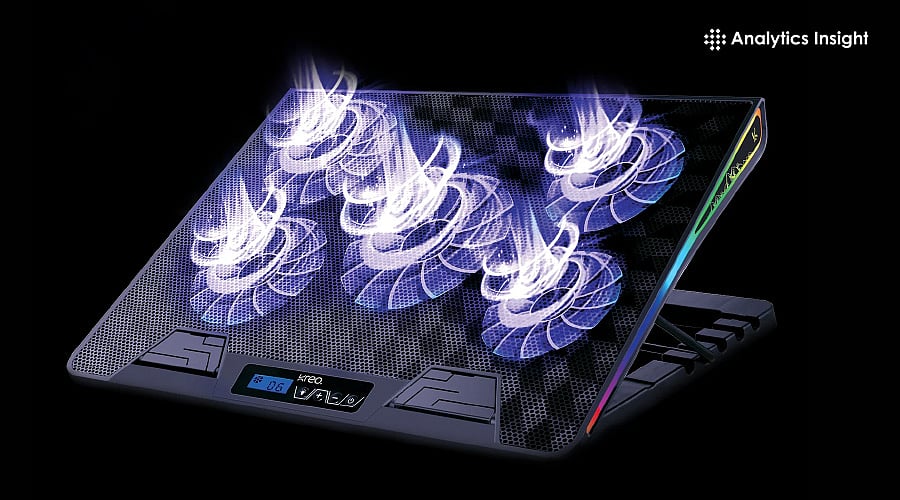
Llano RGB Gaming Laptop Cooling Pad User Manual AC SL1500 . Top 3 Gaming Laptop Cooling Pads In 2026 YouTube . Best Gaming Laptop Cooling Pads 2026 These Coolers Actually Work YouTube . KeiBn Laptop Cooling Pad Gaming Laptop Fan Cooling Pad With 15 Quiet 71E7 P7re7L. AC SL1500 . 10 Best Laptop Cooling Pads For Gaming Best Laptop Cooling Pads For GaminTop 10 Picks


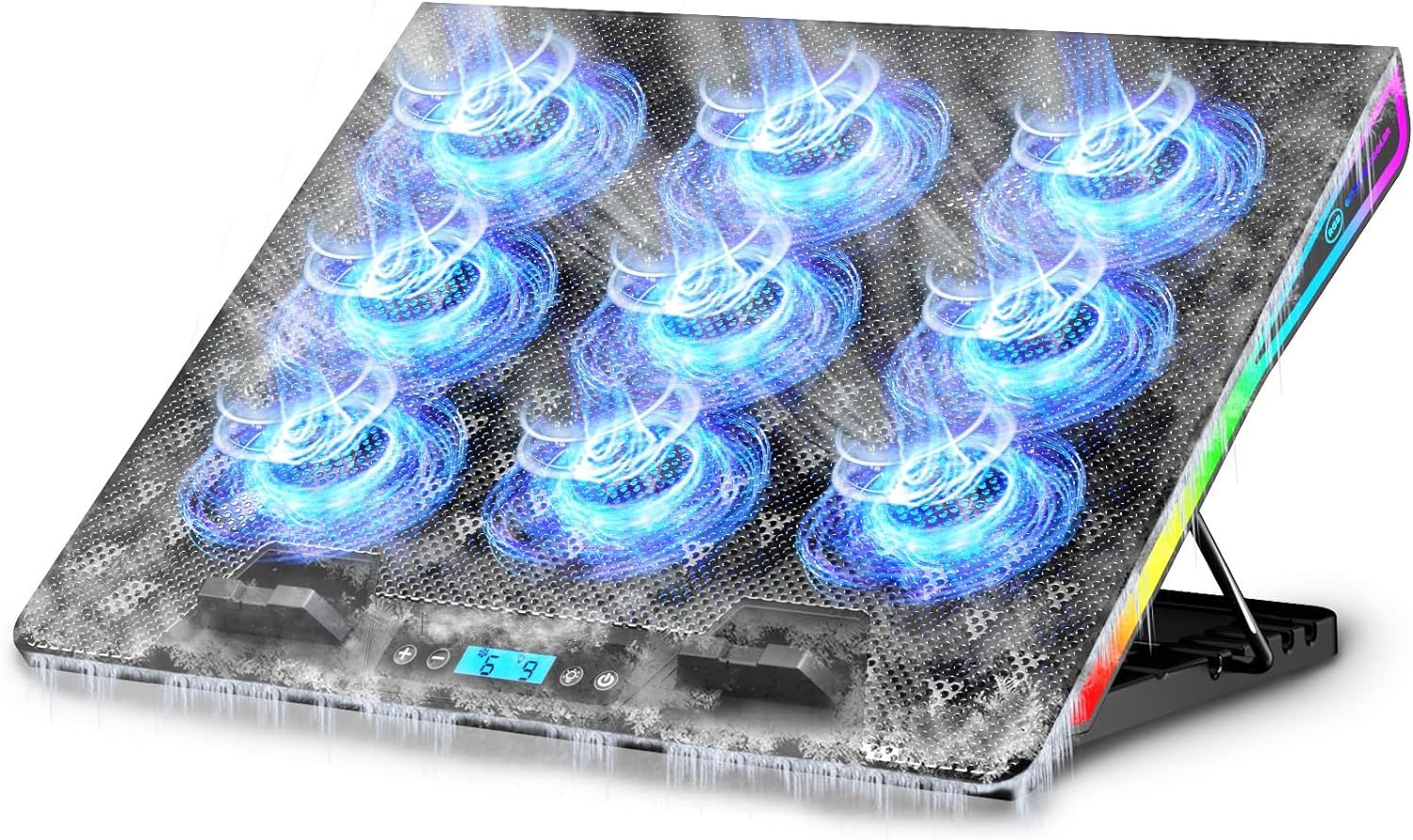

Best Laptop Cooling Pads For Gaming Right Now Our Tested Picks Laptop Cooling Pad . Laptop Cooling Pad Damage At James Jain Blog AC . Laptop Cooling System Test . Best Cooling Pad Laptop At Christy Sample Blog Aicheson Gaming Rgb Laptop Cooling Pad . Amazon Com ICE COOREL Gaming Laptop Cooling Pad With 8 Cooling Fans A80b2190 F408 4e6d 911f PT0 SX970 V1
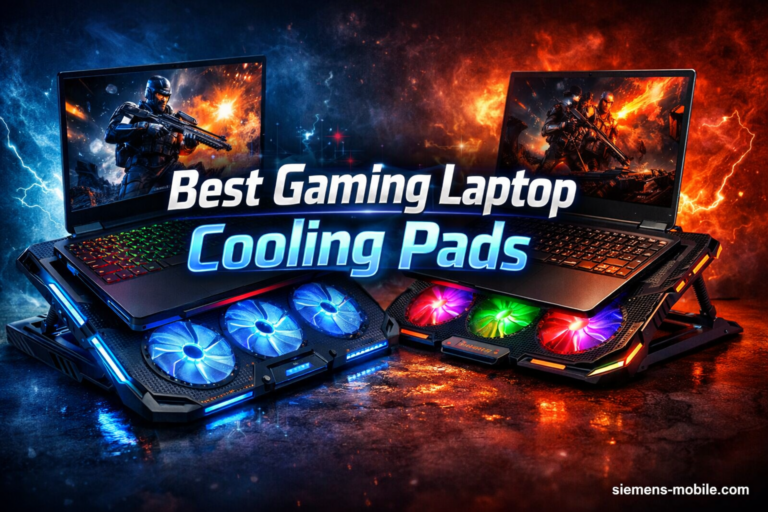
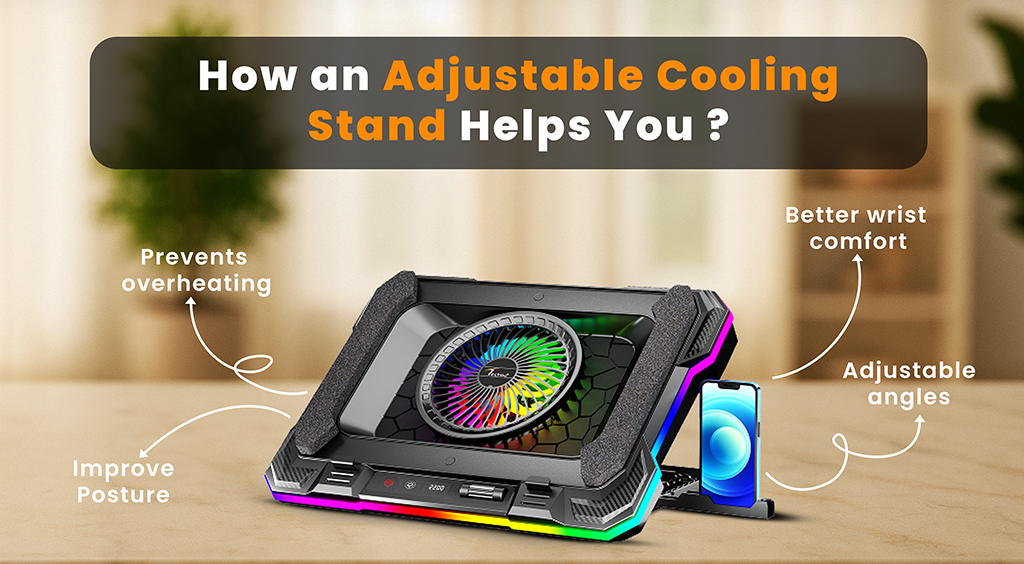

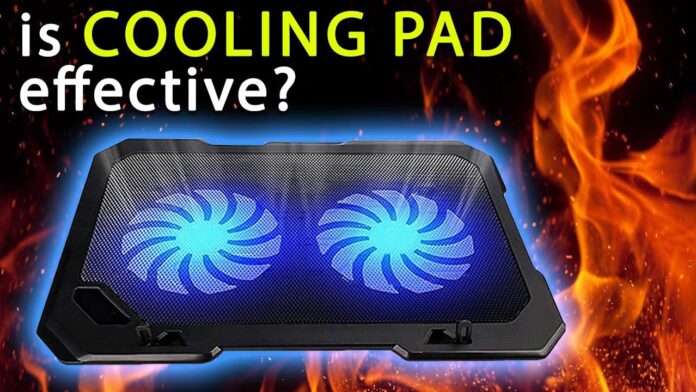
10 Best Gaming Laptop Cooling Pads March 2026 Expert Reviews Best Gaming Laptop Cooling Pads 768x512 . Top 5 Cooling Pads For Laptops In India Reviewed Ranked 2025 3 . Do You Really Need Laptop Cooling Pads For Gaming In 2025 The Truth Can Cooling Pads Protect Your Laptop . Do Laptop Cooling Pads Really Work Gaming Video Editing DO LAPTOP COOLING PADS REALLY WORK . Gaming Laptop Cooling Pads Tested Do They Really Work PEPLATE 4402 Gaming Laptop Cooling Pads Tested Do They Really Work 696x392



5 Best Cooling Pads For Gaming Laptops July 2026 Expert Reviews Fccj Best Cooling Pads For Gaming Laptops 300x164 . 15 Best Laptop Cooling Pads For Gaming July 2026 Complete Guide Best Laptop Cooling Pads For Gaming 1024x559 . Best 5 Gaming Laptop Cooling Pads Of 2026 Ultimate Thermal Management Labo Kool Img 25 . Cooling Pads For Gaming Laptops Do They Really Reduce Heat 5l3dcodc Banner 625x300 16 April 26 . Best Laptop Cooling Pads In 2026 Guidantech Smart Gadgets Tech Best Cooling Pad For Laptop 225x150


Laptop Cooling Pad Benefits Do They Improve Performance A Complete Guide To Laptop Cooling Pads - Do They Really Improve Performance . Amazon Com WQBZSYY Gaming Laptop Cooling Pad 36W 4 Fans RGB Black 50527a45 0ad7 480e Be4d PT0 SX970 V1 . Best 16 Laptop Cooling Pads 2026 Includes Choices Just For Gamers Ps 002 10 700x469 . Why Do Some Gamers Use External Cooling Pads For Their Gaming Laptops Image 75183.webp. Best Gaming Laptop Cooling Pad Boost FPS Stop Overheating Gaming Laptop Cooling Pad 1


5 Best Cooling Pads For Gaming Laptops In 2025 Top Picks For Gamers Best Cooling Pads For Gaming Laptops . Do Cooling Pads Stop FPS Drops Do Cooling Pads Prevent Fps Drops In Long Matches Banner.webp. Best Laptop Cooling Pads 2026 U2014 Gaming Coolers Ranked AC SL1500 . Laptop Cooler10 Fans Silent Laptop Cooling Pad Cooler Dock For Laptop AC . Best Cooling Pads For Your Laptop CyberGuy CGO The Best Cooling Pads For Alienware Gaming Laptops