Ever wondered how top Roblox developers ensure their games run flawlessly and are bug-free? The secret often lies in robust unit testing. This comprehensive guide navigates the essential world of unit testing within the Roblox ecosystem, providing developers with the knowledge and tools to elevate their game development process. Discover what unit testing is, why it's a critical component for every serious Roblox creator, and how to implement it effectively to build more stable, maintainable, and higher-quality experiences. We'll explore practical examples, best practices, and demystify the concepts, ensuring you can confidently integrate this powerful technique into your workflow. From improving code reliability to catching pesky bugs before they ever reach your players, understanding unit testing is a game-changer for any Roblox project aiming for excellence. Prepare to transform your development approach and create games that stand the test of time and player scrutiny, all while minimizing headaches and maximizing efficiency. This is your ultimate resource for unlocking the full potential of quality assurance in Roblox.
Hey there, fellow Roblox developers and curious creators! Ever found yourself scratching your head, wondering how to make your amazing games more robust, less buggy, and a total joy for players? You're in the right place, because this isn't just another dry tech article. This is your ultimate, living FAQ, updated for the latest patches and best practices, all about a powerful technique that pro developers swear by: unit testing in Roblox. We're going to dive deep, cover everything from the absolute basics to advanced strategies, and arm you with the knowledge to build games that truly shine. So, grab a coffee, get comfy, and let's unravel the magic of making your Roblox code rock-solid!
This guide aims to answer all those nagging questions you might have about unit testing, whether you’re a beginner just dipping your toes into scripting or an experienced developer looking to optimize your workflow. We'll explore why checking small pieces of your code can save you massive headaches later, how popular tools like TestEZ fit into the picture, and what real-world benefits you can expect. We'll also touch on practical tips, common pitfalls to avoid, and even delve into how unit testing can implicitly contribute to better game security and performance, which is pretty cool if you ask me. Consider this your friendly, no-nonsense roadmap to cleaner, more reliable Roblox development, ensuring your creations are ready for prime time.
Most Asked Questions about Unit Testing in Roblox
What is unit testing in Roblox?
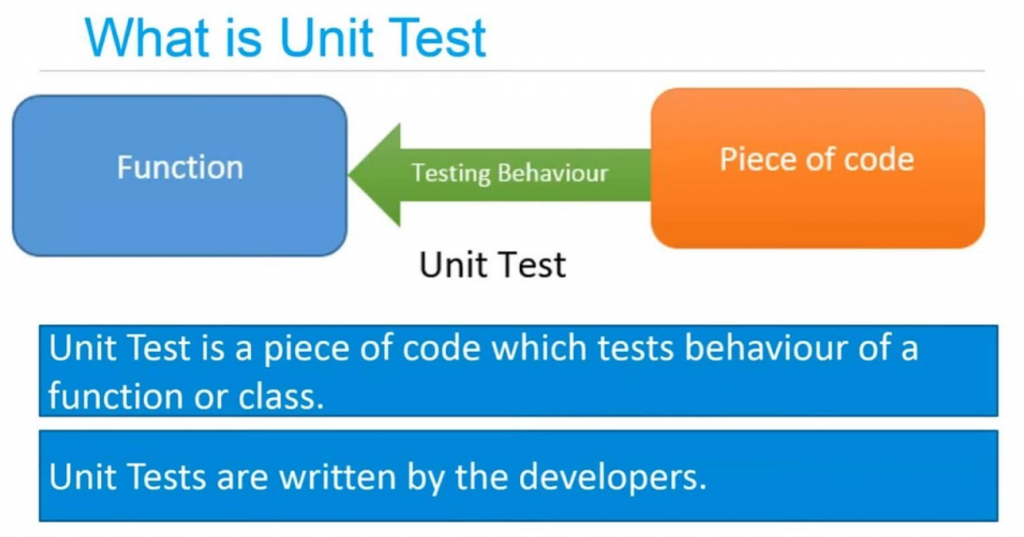
Unit testing in Roblox involves testing individual, isolated components of your Lua code, usually specific functions or methods within ModuleScripts. The goal is to verify that each 'unit' performs its intended task correctly and predictably, separate from other parts of your game. This process ensures foundational code logic is sound before integration, minimizing bugs and enhancing overall game stability for players.
Why is unit testing important for Roblox game development?
Unit testing is crucial because it catches bugs early in the development cycle, saving significant time and resources compared to fixing issues found later. It promotes modular and cleaner code design, improves code reliability, and provides immediate feedback on changes, boosting developer confidence. This proactive approach leads to more stable, higher-quality Roblox games that offer a better player experience.
How do I start unit testing my Roblox scripts?
To begin unit testing in Roblox, first separate your core game logic into modular functions within ModuleScripts. Then, integrate a testing framework like TestEZ into your project. Write dedicated test files for each module, asserting expected outcomes for various inputs. Execute these tests within Roblox Studio using TestEZ’s runner to identify and fix code errors promptly, building a robust foundation for your game.
What tools are available for unit testing Lua in Roblox?
The primary and most widely adopted tool for unit testing Lua in Roblox is TestEZ. It's an open-source framework specifically designed for the Roblox environment, offering robust assertion methods and a structured way to organize and run tests within Studio. Developers often use Rojo to sync external code editors with Studio, streamlining the TestEZ integration and workflow for efficient testing.
Can unit testing improve Roblox game performance?
Yes, indirectly. While not directly measuring frame rates, unit testing helps optimize performance by allowing developers to test and refine individual algorithms or computationally intensive functions in isolation. By ensuring these core units are efficient and correct, unit testing contributes to overall code quality and can prevent performance bottlenecks that might arise from poorly written or buggy logic in critical game systems.
How does unit testing help with Roblox game security?
Unit testing enhances Roblox game security by identifying vulnerabilities in isolated code components. By rigorously testing inputs, edge cases, and specific logic paths, developers can expose potential exploits or unintended behaviors that might otherwise be overlooked. This proactive bug detection in core game functions helps to fortify the game's defenses against malicious attacks and ensures robust handling of player interactions.
What are some tips for writing effective unit tests in Roblox?
For effective unit testing in Roblox, focus on writing isolated, small tests that target a single piece of functionality. Use descriptive test names, employ clear assertions, and mock external dependencies (like Roblox services or DataStores) to maintain isolation. Always ensure your tests are repeatable and run quickly. Integrate them into your regular development cycle for continuous feedback, keeping your code robust.
Beginner Questions about Unit Testing
How do I integrate TestEZ into my Roblox Studio project?
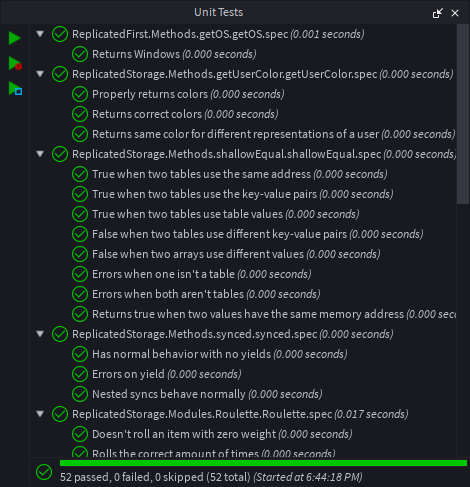
Integrating TestEZ usually involves adding its main ModuleScript to your project, often in `ReplicatedStorage` or `ServerScriptService`. You then create separate test scripts, typically within a `Tests` folder, and use TestEZ’s `describe` and `it` functions to define your test cases. Running a special test runner script provided by TestEZ will then execute all your defined tests within Studio, showing results in the output window.
Development & Scripting Questions
What's the best practice for testing ModuleScripts with dependencies?
When testing ModuleScripts with dependencies, the best practice is to use 'mocking' or 'stubbing'. This means creating fake versions of the dependent modules or services that return predictable values or perform predefined actions. This isolates the module you're currently testing, preventing side effects from its dependencies and ensuring your test focuses solely on the unit's behavior.
Testing Scenarios & Common Issues
How can I test functions that involve Roblox services like DataStoreService or Players?
Testing functions interacting with Roblox services like `DataStoreService` or `Players` requires 'mocking'. You'll replace the actual service with a mock object that simulates its behavior. For instance, a mock `DataStoreService` might have a dictionary to store and retrieve data in memory for the test, allowing your code to interact with it without making actual external calls.
Advanced Testing Techniques
What is test-driven development (TDD) in Roblox and should I use it?
Test-Driven Development (TDD) is a development approach where you write tests *before* writing the actual code. You start by writing a failing test for a new feature, then write just enough code to make that test pass, and finally refactor your code. While TDD can be powerful for ensuring robust code and clear requirements, it has a steeper learning curve. It's often beneficial for complex systems or critical game logic.
Bugs & Fixes
My tests are flaky; they sometimes pass and sometimes fail. What could be wrong?
Flaky tests are often caused by non-determinism, meaning they rely on something unpredictable. Common culprits include timing issues (e.g., waiting for an event without proper synchronization), global state modifications that aren't reset, or reliance on external services/APIs that aren't mocked consistently. Ensure each test is fully isolated, resets any changed state, and uses mocks for all external interactions to achieve consistent results.
Tips & Tricks
Are there ways to automate running unit tests in Roblox Studio?
Yes, you can automate running unit tests! Many developers use CI/CD (Continuous Integration/Continuous Deployment) pipelines with tools like GitHub Actions or Jenkins. These can be configured to open a headless Roblox Studio instance, run your TestEZ tests, and report the results automatically whenever you push code changes, ensuring continuous code quality and preventing regressions.
Still have questions about making your Roblox games shine with rock-solid code? We've only scratched the surface of what's possible! Be sure to check out our other guides on Lua programming best practices and advanced Roblox scripting techniques to take your development skills to the next level. Happy developing, and keep building amazing experiences!
Ever found yourself staring at a broken Roblox script, wondering where it all went wrong? Or perhaps you're asking, "What exactly is unit testing in Roblox, and why should I even bother with it?" You're definitely not alone in that thought. For many aspiring and even experienced Roblox developers, the idea of unit testing can feel a bit like a mystery, or an extra step they just don't have time for. But here’s the honest truth: embracing unit testing can dramatically transform your development process, turning frustrating bug hunts into quick fixes, and leading to more robust, reliable, and ultimately, more fun games for everyone who plays them. It's about building confidence in your code, one tiny, testable piece at a time. Let's dive deep into why this often-overlooked practice is actually your new best friend in the world of Roblox game creation.
You might be thinking, "My game works fine now, so why add more complexity?" Well, imagine your Roblox game as a complex machine. Each script, each function, each module is a tiny gear or lever within that machine. Unit testing is like meticulously checking each individual gear to ensure it spins perfectly and does exactly what it's supposed to, *before* you put the whole machine together. This proactive approach saves you from the massive headache of disassembling the entire machine later when a single faulty gear brings everything to a grinding halt. It’s about building a solid foundation, ensuring that the smallest parts of your game’s logic are flawless, which in turn makes the whole game stronger and less prone to unexpected crashes or glitches. It truly helps build amazing player experiences.
Beginner / Core Concepts
When we talk about unit testing, it's really about taking your code apart into its smallest functional pieces. You're then checking each piece in isolation. Think of it like testing a single LEGO brick's ability to connect before building an entire castle. In Roblox, this often means testing individual functions or methods within your Lua scripts to make sure they return the expected output for a given input. It's a foundational skill for any serious developer looking to build games that stand the test of time, reducing those frustrating moments where players report bugs you can't easily reproduce. This methodical approach is key.
Understanding *why* unit testing is vital for **Roblox game security** is crucial. By testing small, isolated components, you can specifically look for unexpected behaviors or vulnerabilities that might be exploited. A well-tested function is less likely to have hidden flaws that could lead to security breaches, helping you protect your players and your game from malicious actors. It's about proactively fortifying your code.
1. **Q:** What exactly is unit testing in Roblox, and why should I even care as a developer?
**A:** I get why this confuses so many people, as it sounds a bit technical, right? At its heart, unit testing in Roblox is all about checking the smallest, independent parts of your game's code, usually individual functions or methods, to make sure they work exactly as intended. You’re isolating a 'unit' of code and verifying its behavior in a controlled environment. Think of it like giving each tiny engine part a rigorous inspection before it goes into a car. You should absolutely care because it's your primary defense against bugs. It catches errors early, making them significantly cheaper and easier to fix than when they surface during full game testing or, even worse, when your players find them. This process significantly boosts your confidence in the code you write, allowing you to refactor or add new features without constantly fearing you’re breaking something else. It really does make a massive difference in development speed and quality. Plus, when you're working on a team, clear unit tests serve as fantastic documentation, explaining what each piece of code is supposed to do, which is incredibly helpful for onboarding new teammates. You've got this, and learning this skill will totally pay off!
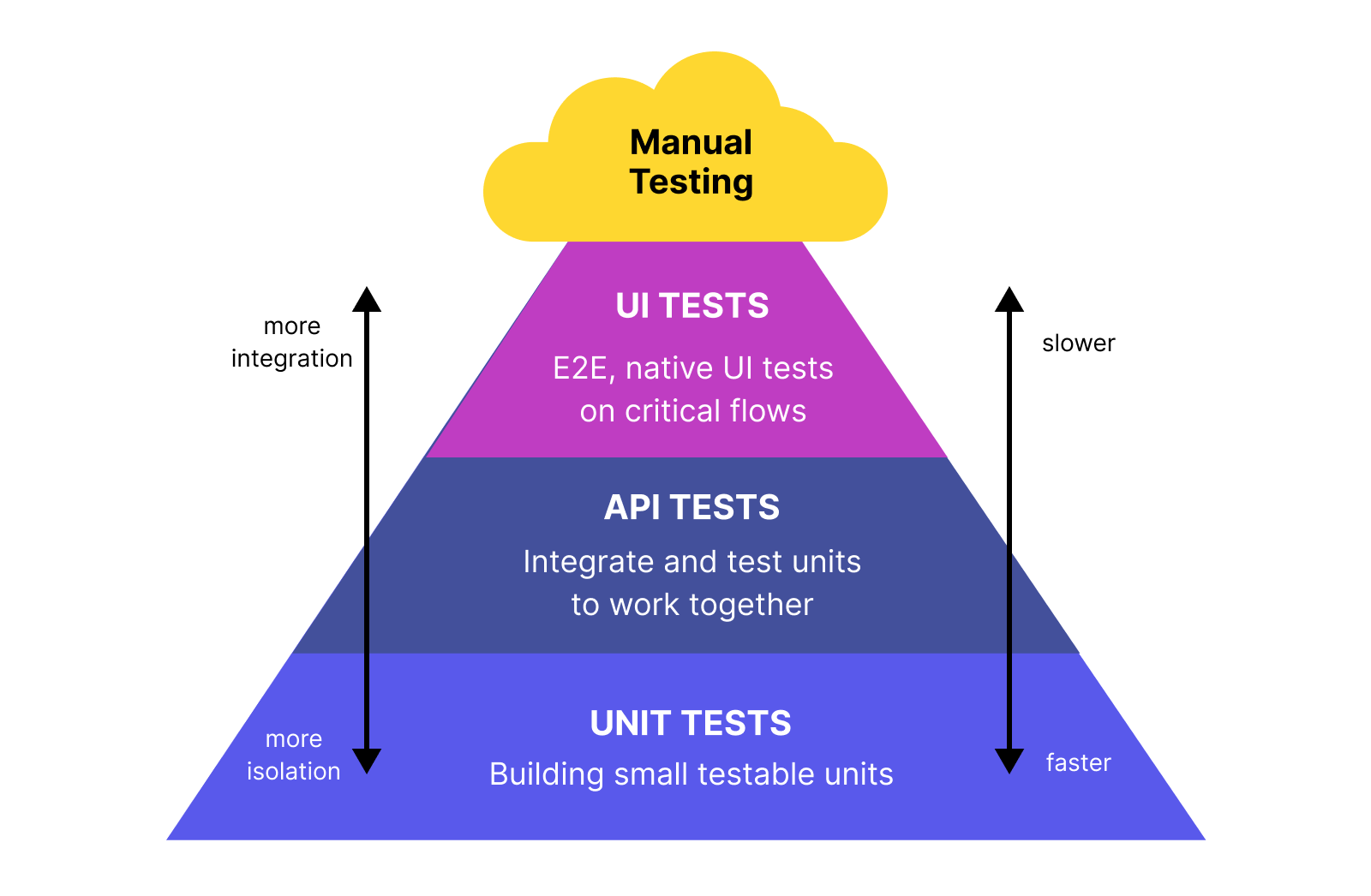
2. **Q:** How does unit testing differ from other types of testing, like integration or end-to-end testing, specifically for Roblox games?
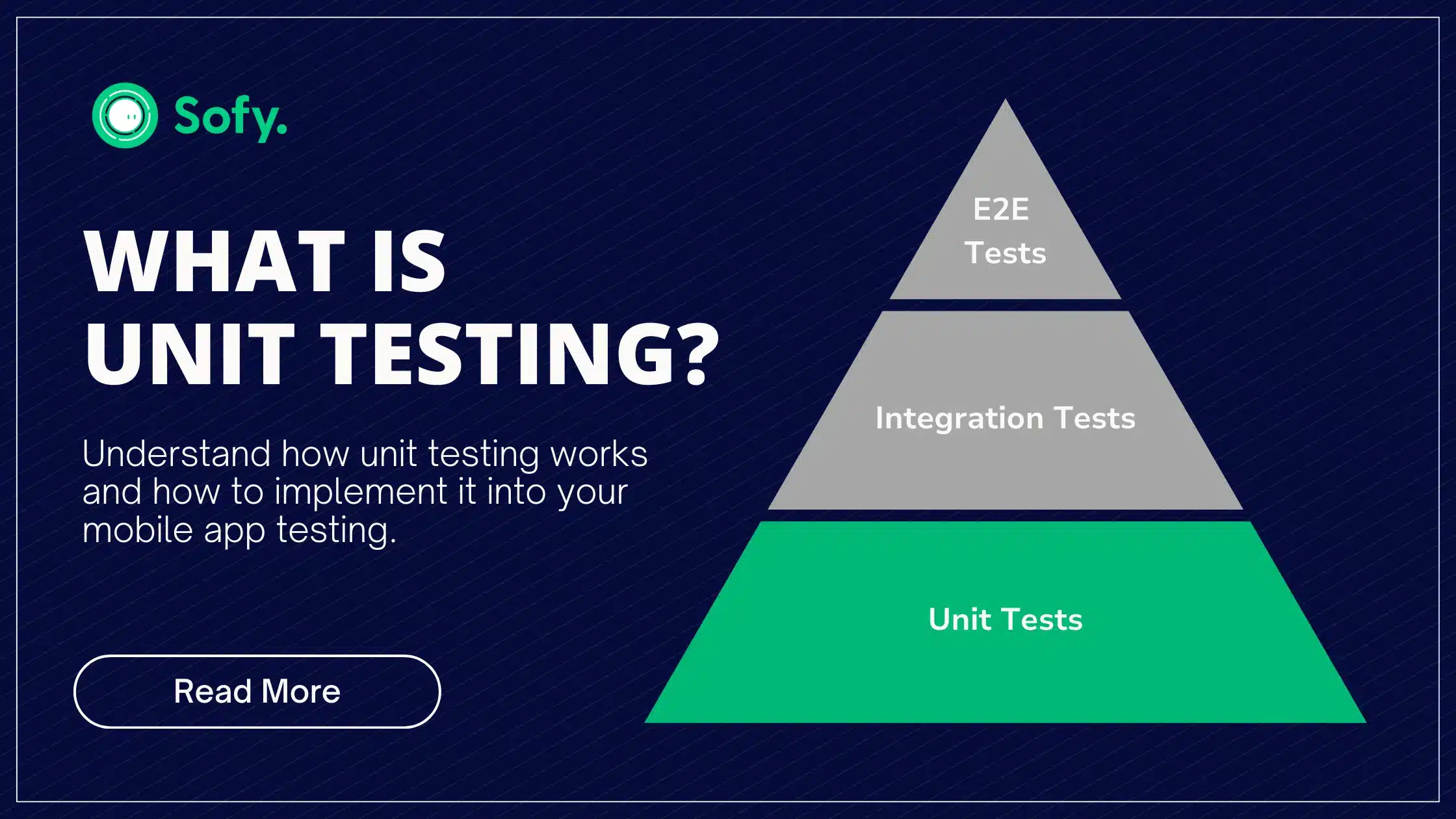
**A:** This one used to trip me up too, and it’s a super common question! The main difference is the *scope* of what you’re testing. Unit testing focuses on the smallest possible isolated piece of code, like a single function that calculates damage or a method that updates a player's inventory count. It doesn't care about the graphics or if it's connected to a database; it just checks that `addItems(5)` correctly makes the count go up by five. Integration testing, on the other hand, checks how *multiple* of these units work together – do your damage calculation, health system, and UI display all interact correctly? End-to-end testing takes it even further, simulating a real user’s journey through the entire game, from login to completing a quest. For Roblox, unit tests are fantastic for ensuring your core Lua logic is sound, while integration tests would check how a `RemoteEvent` sends data between client and server for a specific feature. End-to-end tests might involve a bot playing through your entire game. Each type has its place, but unit tests are the foundation, making all subsequent testing much smoother. Build a strong foundation first, then stack your game on top!
3. **Q:** Are there any specific tools or frameworks commonly used for unit testing Lua scripts in Roblox, and how do I set them up?
**A:** Absolutely there are! You don't have to build your testing framework from scratch, which is fantastic news for saving time. The most widely adopted and robust framework for unit testing Lua in Roblox is called **TestEZ**. It's open-source, maintained by the Roblox community and developers, and designed specifically for the Roblox environment, making it incredibly powerful and easy to integrate. Setting it up usually involves a few straightforward steps: first, you’ll want to grab the TestEZ loader or clone its repository. Many developers use Rojo, a command-line tool, to sync their external code editor with Roblox Studio, which makes managing TestEZ and your test files much easier. You typically place your test scripts in a dedicated folder within your `ReplicatedStorage` or `ServerScriptService`, and TestEZ handles the discovery and execution of these tests within Studio. There are plenty of great community tutorials and the official TestEZ documentation that walk you through the initial setup, often just requiring you to insert the main TestEZ module into your project. It might seem like a bit of a hurdle at first, but once it’s set up, writing tests becomes second nature. Give it a shot, you’ll wonder how you ever managed without it!
4. **Q:** What are the immediate benefits of integrating unit testing into my Roblox development workflow?
**A:** Integrating unit testing into your Roblox development workflow brings a stack of immediate benefits that you'll quickly appreciate, trust me! The biggest one is undoubtedly **catching bugs early**. Instead of discovering a critical error after deploying your game, or worse, when a player reports it, unit tests flag issues the moment you write or change the code. This saves you immense amounts of time and frustration later on. It also significantly **improves code quality and design**. Writing testable code naturally encourages you to structure your scripts in a more modular, cleaner way, adhering to **Lua programming best practices**. This means functions become smaller, more focused, and easier to understand, which is a win-win for everyone working on the project. Plus, it acts as fantastic, living documentation for your code. Anyone looking at your tests can quickly grasp what a function is *supposed* to do without needing extensive comments. It gives you incredible confidence to refactor or add new features, knowing that if something breaks, your tests will immediately tell you. It's like having a safety net for your creativity, allowing you to experiment more boldly! Try it out and see your bug count plummet.
Intermediate / Practical & Production
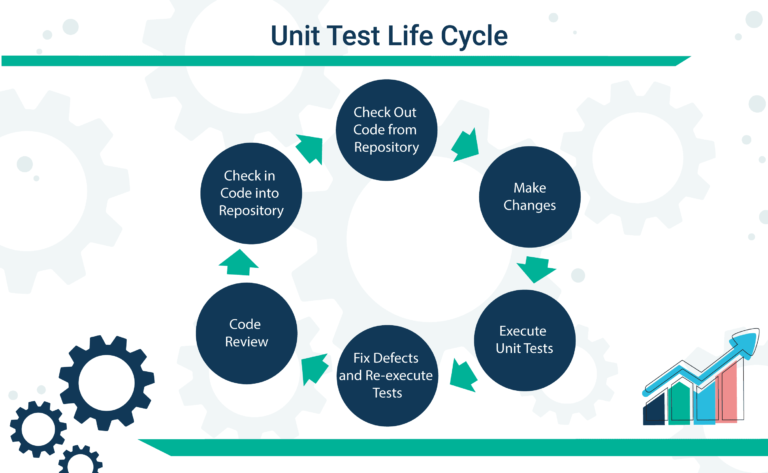
Once you’ve grasped the basics of unit testing, the next step is to apply these concepts effectively in your actual Roblox projects. This involves understanding how to structure your tests, handle dependencies, and integrate testing into a more continuous development cycle. It’s where the rubber meets the road, transforming theoretical knowledge into practical, bug-squashing power for your games. This stage really leverages your understanding of modular design. We need to focus on making tests both reliable and easy to maintain, which is a true skill.
When considering **Roblox performance optimization**, unit tests can play a subtle yet powerful role. By isolating specific algorithms or computational functions, you can write tests that verify their efficiency. This allows you to experiment with different implementations and quantitatively compare their performance characteristics, ensuring your core logic runs as fast as possible without negatively impacting the player experience. It helps fine-tune critical code paths.
5. **Q:** How can I effectively structure my Roblox project to make unit testing easier and more integrated?
**A:** Structuring your project for unit testing is super important and can make or break your testing journey. The key here is **modularity**. You want to design your scripts and modules so that individual components can be tested independently without needing the entire game world to be running. This often means separating your core game logic (like damage calculation, inventory management, or quest progress) into distinct ModuleScripts. Avoid putting too much logic directly into local scripts or server scripts that rely heavily on their parent objects. Instead, have those scripts *call* functions from your separate modules. A common pattern is to have a dedicated `Tests` folder, perhaps within `ReplicatedStorage` or alongside your `src` folder if you're using Rojo, where each test file mirrors the module it's testing. For example, if you have `Modules/PlayerService.lua`, you might have `Tests/PlayerServiceTest.lua`. This clear separation makes it easy to find and run relevant tests, and it encourages cleaner, more organized code from the get-go. A well-structured project is a testable project, and a testable project is a joyful project!
6. **Q:** What are 'mocks' and 'stubs' in the context of Roblox unit testing, and when should I use them?
**A:** Oh, 'mocks' and 'stubs' – these terms can sound a bit intimidating, but they're incredibly useful tools once you get the hang of them! Essentially, when you're unit testing a piece of code, it often relies on *other* pieces of code or external systems (like Roblox services, a DataStore, or even another one of your ModuleScripts). 'Mocks' and 'stubs' are fake versions of these dependencies that you create purely for the test. A **stub** is a stand-in that provides a specific, pre-determined answer when called. For instance, if your function needs to `DataStoreService:GetDataStore(
Unit testing in Roblox focuses on individual code components, ensuring their functionality is correct. It significantly reduces bugs, improves code quality, and accelerates development cycles. Utilizing frameworks like TestEZ allows for organized and efficient script validation. Implementing unit tests leads to more stable games and better player experiences. This practice is essential for collaborative projects and long-term game maintenance on the Roblox platform.
34


What Is Unit Testing How To Perform Unit Tests In Rust BBlmY0iU8. Qu Es Unit Testing Gu A Completa 2026 Yuri Kan What Is Unit Testing Explained . How To Do Unit Testing In Visual Studio 2022 Dibujos Cute Para Imprimir Unit Testing . What Is Unit Testing In Software Testing Process Tools Importance 1 . What Is Unit Testing In Software Testing Process Tools Importance 0. Feature



What Is Unit Testing In Software Testing Process Tools Importance 5 2 . Roblox Developer Challenge 2026 Page 15 Community Events . What Is Unit Testing And How It Helps Code What Is Unit Testing . Unit Testing The Complete Guide Enterprise Test Pyramid Unit Testing Life Cycle . Best AI Unit Test Generators For Developers In 2026 NexaSphere Best Ai Unit Test Generators Developers 2026
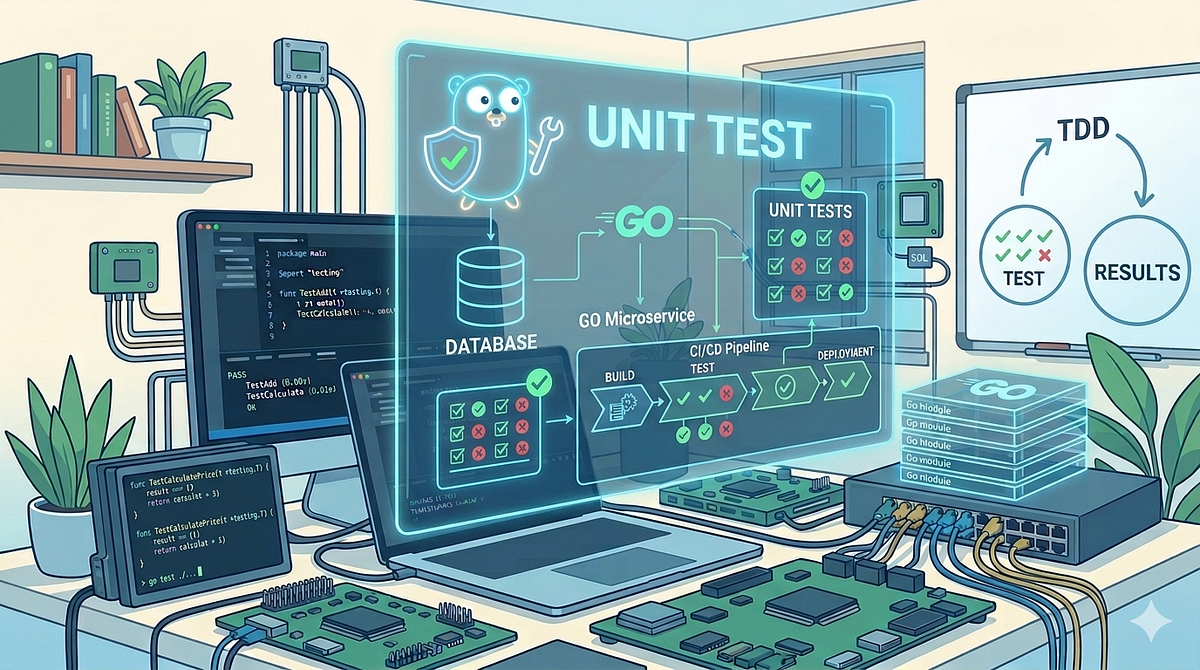
What Is Unit Testing In Software Testing Process Tools Importance 3 2 . Why Unit Testing Is Essential For Reliable Software Projects Importance Of Unit Testing In Software. Mastering Golang Unit Testing Unit Testing Is A Fundamental Practice . What Is Unit Testing Keploy Blog What Is Unit Testing . Master Unit Testing Frameworks Google Test 2026 Master Unit Testing Frameworks Google Test 2025




What Is Unit Testing Software Development Glossary Unit Testing Definition . Unit Testing Unit Testing . 5 Unit Testing Tools You Must Know In 2024 Keploy Blog 5 Unit Testing Tools You Must Know In 2024. How To Test A Air Conditioner Capacitor With A Multimeter Detroit 3 0fe22ce03b . What Is Unit Testing A Complete Guide What Is Unit Testing C23fcca4dc



What Is Unit Testing In Software Testing Process Tools Importance 6 2 1536x864 . What Is Unit Testing In Software Testing Definition Image. Roblox Developer Challenge 2026 Community Events Developer Forum . Functional Testing Vs Unit Testing A Comparison What Is Unit Testing 768x384 . What Is Unit Testing Definition Types Process Tools What Is Unit

Unit Testing In Javascript A Detailed Guide What Is Unit Testing 2 1. Advanced Scripting Techniques Scripting Support Developer Forum . Regression Testing Vs Unit Testing What S The Difference Unit Testing . Unit Test What Is Advantages How Works CodenBox Unit Testing Life Cycle Pic 768x473 . What Is Unit Testing Image 59 1024x537



What Is Unit Testing A Complete Guide To Writing Better Code. What Is Unit Testing Sofy What Is Unit Testing 1 .webp. Top Unit Testing Tools For Effective Testing In 2025 Most Popular Unit Testing Tools In 2024 . Anime Vanguards Codes July 2026 Anime Vanguards Codes Roblox Cover