Many dedicated gamers, especially those juggling jobs, families, and life's demands, often seek ways to enhance their mobile gaming experience, hoping for console-quality graphics on their phones. A common search query revolves around how to turn on RTX on Roblox Mobile, driven by the desire for hyper-realistic lighting, shadows, and reflections. This guide provides comprehensive navigational and informational answers, clarifying the current reality of RTX technology on mobile platforms. We delve into whether true ray tracing is genuinely possible on Roblox for mobile devices, explore practical alternatives to significantly boost your visual experience, and offer actionable tips to optimize performance. For the average gamer who values both visual fidelity and smooth gameplay, understanding these nuances is key to enjoying Roblox on the go without unnecessary frustration. We'll debunk myths and provide a clear roadmap to achieving the best possible Roblox mobile graphics within existing technical constraints, ensuring your limited gaming time is spent enjoying, not troubleshooting. Stay current without hype and learn the real steps to a visually improved Roblox Mobile.
Is true RTX available on Roblox Mobile right now?
No, true hardware-accelerated RTX, which relies on dedicated ray tracing cores found in high-end PC GPUs, is not natively available on Roblox Mobile devices. Mobile hardware limitations and the current Roblox engine for mobile do not support this advanced rendering technology.
How can I optimize Roblox graphics settings on my mobile device?
You can significantly improve your Roblox mobile experience by adjusting in-game settings. Access the Roblox menu, navigate to 'Settings,' then 'Graphics Mode.' Set it to 'Manual' and adjust the 'Graphics Quality' slider to a level that balances visual fidelity with smooth performance for your specific device.
What are the main reasons why RTX isnt on Roblox Mobile?
The primary reasons are hardware limitations and software optimization. Mobile processors generally lack the specialized ray tracing cores required for RTX. Additionally, integrating such complex rendering into a cross-platform engine like Roblox for mobile devices presents significant technical challenges and performance overheads.
Are there any third-party apps or shaders to simulate RTX on Roblox Mobile?
While third-party shaders exist for the PC version of Roblox to enhance visuals, attempting to use unofficial apps or modified clients on mobile for an 'RTX-like' effect is highly discouraged. These can be insecure, violate Roblox's terms of service, and potentially lead to account bans or device issues.
What devices provide the best Roblox mobile graphics experience?
Newer flagship smartphones and tablets with powerful processors and ample RAM generally offer the best Roblox mobile graphics. Devices like the latest iPhones, Samsung Galaxy S series, or high-end iPads can handle higher graphics quality settings more effectively, leading to smoother gameplay and sharper visuals.
Will Roblox ever add official RTX support for mobile in the future?
While the future of mobile graphics is constantly evolving, official hardware-accelerated RTX support for Roblox Mobile would require significant advancements in mobile chip technology and Roblox's engine. It is not currently on the roadmap for native integration, but graphical improvements and new rendering techniques are always being explored.
How can I ensure smooth performance while playing Roblox on mobile?
To ensure smooth performance, keep your device's operating system updated, close background apps, ensure a stable internet connection (preferably Wi-Fi), and lower the in-game 'Graphics Quality' setting if you experience lag. Regularly clear your device's cache and free up storage space can also help.
Hey there, fellow gamers! If you're anything like the millions of US gamers out there, balancing your passion for play with work, family, and daily life, you probably cherish those moments when you can dive into a game like Roblox. Mobile gaming, especially, has become a massive part of our routine; in fact, recent stats show that around 87% of US gamers play regularly, often for 10+ hours a week, with mobile dominating a significant portion of that time. We love the convenience, the social aspect of connecting with friends in experiences like Adopt Me or Brookhaven, and the sheer fun of building or exploring. But let's be real: we're always looking for that extra edge, that next level of immersion. And if you're searching for 'how to turn on RTX on Roblox Mobile,' you're not alone. The dream of dazzling ray-traced graphics on your phone is compelling, promising hyper-realistic lighting and reflections that could transform your Roblox experience.
However, before we dive deep, let's address the elephant in the room: achieving true, hardware-accelerated RTX on Roblox Mobile isn't a straightforward 'on' switch. Mobile devices, while incredibly powerful, have fundamental differences from high-end gaming PCs with dedicated NVIDIA RTX graphics cards. This guide is built for you, the discerning gamer who values practical solutions over hype. We're here to clarify the technical realities, set realistic expectations, and, most importantly, equip you with the knowledge to genuinely improve your Roblox mobile graphics and performance. We'll cut through the noise, offering actionable tips to optimize your settings, understand device limitations, and explore what's truly possible right now. Let's make your mobile Roblox sessions as visually engaging and smooth as they can be, so you can enjoy your precious gaming time to the fullest, connect with your friends, and maybe even build some new skills along the way.
What exactly is RTX and why is it desirable in gaming?
RTX stands for Ray Tracing Texel eXtreme, a proprietary technology developed by NVIDIA that revolutionizes real-time rendering in video games. Unlike traditional rasterization, which approximates how light behaves, ray tracing simulates the physical behavior of light. It traces individual light rays from your viewpoint through the scene, calculating how they interact with objects by bouncing, reflecting, refracting, and diffusing. The result is incredibly lifelike lighting, shadows, reflections, and global illumination that can make virtual worlds appear stunningly realistic. Imagine walking through a Roblox experience where sunlight realistically streams through a window, casting soft shadows that accurately reflect the object's shape, or seeing your avatar's reflection perfectly rendered in a polished floor. This level of visual fidelity dramatically enhances immersion and realism, making games feel more vibrant and believable. Gamers desire RTX because it elevates the visual experience beyond anything previously possible in real-time, offering a truly next-generation look that can make familiar worlds feel brand new.
Is it really possible to turn on RTX on Roblox Mobile?
The short and direct answer is no, you cannot natively or officially 'turn on' true hardware-accelerated RTX on Roblox Mobile in the same way you would on a compatible PC. This is a crucial distinction to understand, as many players search for this feature hoping for a simple setting toggle. True RTX relies on specialized hardware, specifically Ray Tracing (RT) Cores found in NVIDIA's RTX series GPUs and similar dedicated hardware in modern AMD GPUs and next-gen consoles. Mobile devices, even the most powerful flagship smartphones and tablets, do not currently integrate these dedicated RT cores in a way that Roblox's mobile engine can leverage for full ray tracing. While mobile chipsets are becoming increasingly powerful, their architecture and thermal envelopes are fundamentally different from desktop graphics cards designed for high-intensity rendering tasks. Therefore, while you might hear about graphical enhancements, these are not true RTX.
Why cant I get true RTX graphics on my Roblox mobile device?
Several significant technical hurdles prevent true RTX graphics from being implemented on Roblox Mobile. Firstly, as mentioned, mobile devices lack the dedicated hardware. Ray tracing is an incredibly computationally intensive process. Even on high-end PCs, enabling RTX often comes with a performance cost, requiring powerful GPUs to maintain playable frame rates. Mobile processors, while impressive for their size and power efficiency, are designed for a broader range of tasks and have strict power and thermal limitations. Attempting to run full ray tracing on a mobile chip would likely lead to severe performance drops, excessive battery drain, and rapid overheating, making the gaming experience unbearable. Secondly, Roblox's game engine needs to be specifically optimized to utilize ray tracing APIs (like DirectX Raytracing or Vulkan Ray Tracing). While Roblox Studio on PC has seen advancements in lighting technology, fully integrating and optimizing a ray tracing pipeline for the vast diversity of mobile hardware, coupled with the platform's cross-play nature, is a monumental engineering challenge that would require a complete overhaul of its mobile rendering architecture. It's a matter of both hardware capability and software optimization.
What are the limitations of mobile devices for advanced graphics like RTX?
Mobile devices, despite their continuous evolution, come with inherent limitations when it comes to rendering advanced graphics like real-time ray tracing. The primary constraint is thermal design power (TDP). Desktop GPUs can consume hundreds of watts of power and rely on large cooling systems to dissipate heat. A smartphone, on the other hand, operates within a few watts and must remain cool enough to hold comfortably. This severely limits the sustained computational power available for graphics. Mobile System-on-Chips (SoCs) integrate the CPU, GPU, and other components into a single package, prioritizing efficiency and battery life over raw, unthrottled graphics horsepower. While mobile GPUs are improving rapidly, they are still far behind their desktop counterparts in terms of core count, memory bandwidth, and the specialized processing units needed for ray tracing. Additionally, the smaller screen size on mobile devices means that some of the subtle visual enhancements of ray tracing might not be as noticeable as on a large monitor, making the performance trade-off less justifiable for developers. It's a delicate balance of performance, battery life, and device temperature that defines what's graphically possible on mobile.
How can I improve Roblox graphics on my mobile device without RTX?
While true RTX isn't an option, you can still significantly enhance your Roblox mobile experience. The key is optimizing your in-game settings. Here's a step-by-step guide:
- Launch Roblox: Open the Roblox app on your mobile device.
- Enter an Experience: Join any Roblox experience you want to play.
- Access Settings: Tap the Roblox icon (usually a circular icon with the Roblox logo) in the upper-left corner of the screen to open the in-game menu.
- Navigate to Settings: Select 'Settings' from the menu options.
- Adjust Graphics Mode: Under 'Graphics Mode,' ensure it's set to 'Manual.' This gives you control over the quality.
- Fine-Tune Graphics Quality: You'll see a 'Graphics Quality' slider. Experiment with this! Start by moving it to a higher setting. If your game runs smoothly, try increasing it further. If you experience lag or frame rate drops, gradually lower it until you find a balance between visual quality and smooth performance.
- Ensure Good Internet Connection: A stable and fast Wi-Fi connection can greatly improve how quickly assets load and render, making the world look sharper and more complete.
- Close Background Apps: Before playing, close any unnecessary apps running in the background to free up RAM and CPU resources for Roblox.
- Keep Your Device Updated: Ensure your mobile device's operating system is up to date. OS updates often include performance improvements and driver optimizations that can benefit gaming.
By following these steps, you can achieve the best possible visual fidelity and performance that your specific mobile device and the current Roblox mobile engine can offer, creating a more enjoyable and immersive experience.
Are there any third-party tools or shaders that mimic RTX on Roblox Mobile?
This is a tricky area, and one where caution is paramount. For the PC version of Roblox, there are indeed third-party shader packs and modding tools like Reshade that can dramatically alter the visual appearance, adding effects that might superficially resemble advanced lighting, color grading, and ambient occlusion, giving an 'RTX-like' feel. However, when it comes to Roblox Mobile, the landscape is entirely different. Generally, legitimate third-party tools or shaders for mobile Roblox that can safely and effectively mimic RTX do not exist. Any app or method promising to 'turn on RTX' or install custom shaders on Roblox Mobile should be approached with extreme skepticism. Attempting to use unofficial or modified Roblox clients, or installing dubious third-party software on your mobile device, carries significant risks. These can include security vulnerabilities (malware, data theft), performance instability (crashes, glitches), and, most importantly, violating Roblox's Terms of Service. Roblox has a strict policy against unauthorized modifications, and using such tools can lead to temporary or permanent bans from the platform, costing you your account and all your progress. For the savvy gamer who wants to protect their time and investment, it's simply not worth the risk. Stick to official optimizations.
What are the best practices for optimizing Roblox performance on mobile?
Optimizing Roblox performance on mobile goes beyond just graphics settings; it's about creating a smooth, stable, and enjoyable gaming environment. Here are some best practices for the busy gamer:
- Prioritize a Strong Internet Connection: Wi-Fi is almost always superior to cellular data for gaming due to lower latency and higher bandwidth. A stable connection minimizes lag and ensures game assets load quickly, preventing stuttering and improving overall responsiveness.
- Manage Background Apps: Before launching Roblox, swipe away or close all unnecessary apps running in the background. Each background app consumes RAM and CPU cycles, which can slow down Roblox and reduce frame rates.
- Keep Your Device's OS Updated: Regularly check for and install operating system updates. These updates often include critical performance improvements, bug fixes, and driver optimizations specifically for graphics and gaming, making your device more efficient.
- Free Up Storage Space: Ensure your device has ample free storage. When storage is nearly full, your device's performance, including app loading and multitasking, can suffer significantly. Clear out old photos, videos, and unused apps.
- Restart Your Device Periodically: A simple restart can often resolve minor performance issues by clearing out temporary files and resetting system processes, giving your phone a fresh start.
- Monitor Device Temperature: If your phone feels excessively hot, it might be thermal throttling, which means it's intentionally slowing down to prevent damage. Take a break, remove your case, or move to a cooler environment. Playing while charging can also generate more heat.
- Consider Device Age and Specs: Newer flagship phones and tablets with more powerful processors (like A17 Bionic, Snapdragon 8 Gen 3) and at least 6-8GB of RAM will naturally offer a superior Roblox experience. If you're using an older device, you'll need to be more aggressive with lowering graphics settings.
- Lower Graphics Quality if Needed: As discussed, if you experience any lag or stuttering, reduce the 'Graphics Quality' slider in Roblox's in-game settings. A smooth frame rate is often more important for an enjoyable experience than ultra-high visuals.
By integrating these practices into your routine, you can ensure your Roblox mobile gaming is consistently optimized, letting you relax and have fun without technical frustrations.
How does the Roblox mobile experience compare to PC or console?
The Roblox mobile experience offers incredible accessibility and convenience, allowing millions to connect and play on the go. However, it generally differs significantly from the PC or console experience in several key areas. Visually, even with optimized settings, mobile devices typically cannot match the graphical fidelity, higher resolutions, and advanced effects (like PC-only shaders or true RTX) available on powerful gaming PCs. Frame rates on mobile might also be less consistent, especially in graphically intensive experiences or on older devices, compared to a dedicated gaming rig capable of maintaining 60+ FPS. Control schemes are another major difference; touch controls are intuitive for many mobile games but can feel less precise for fast-paced action or complex building compared to a keyboard, mouse, or gamepad. Performance is also a factor. While a high-end smartphone can run many Roblox experiences well, resource-heavy games might struggle more on mobile than on PC. Despite these differences, mobile excels in its unique strengths: unparalleled portability, ease of access for quick gaming sessions, and a massive user base that fosters vibrant social interaction. For many, the ability to jump into a game and chat with friends anytime, anywhere, outweighs the graphical compromises. It's an experience tailored for convenience and ubiquitous social play, rather than pushing the absolute limits of visual realism.
Will Roblox Mobile ever officially support RTX in the future?
The question of official RTX support for Roblox Mobile is complex and hinges on several factors. While it's unlikely that true hardware-accelerated RTX, as seen on dedicated PC GPUs, will become a native feature on Roblox Mobile in the near future, the mobile graphics landscape is constantly evolving. Future advancements in mobile chip design could potentially integrate some form of ray tracing acceleration, albeit likely a more optimized or simplified version tailored for mobile constraints. Technologies like ARM's Immortalis GPUs are already introducing hardware ray tracing capabilities to high-end mobile SoCs. However, for Roblox to officially support this, it would require significant investment in updating its mobile rendering engine to leverage these new hardware features across a diverse ecosystem of Android and iOS devices. This is a monumental task. More realistically, Roblox is likely to continue improving its existing mobile rendering capabilities through software optimizations, such as enhanced lighting models, improved reflections that mimic ray tracing effects (screen-space reflections, cube maps), and better texture streaming. The focus will likely remain on providing a visually appealing and consistently performant experience across a wide range of mobile devices, rather than adopting a bleeding-edge, resource-intensive technology that only a tiny fraction of mobile users could truly benefit from without major compromises. So, while 'RTX on Roblox Mobile' as we know it from PC may not be on the immediate horizon, graphical improvements are always being explored.
What are some Roblox games that look great on mobile even without RTX?
Even without RTX, many Roblox experiences offer stunning visuals on mobile, thanks to talented developers leveraging the platform's advanced lighting and texture capabilities. Here are a few examples of experiences that look fantastic and are perfect for a relaxing gaming session:
- Adopt Me!: Known for its charming and detailed environments, vibrant colors, and smooth animations. The pets and houses are beautifully rendered, creating an inviting world.
- Brookhaven RP: This role-playing experience often features well-designed buildings, realistic textures, and dynamic lighting that makes the city feel alive, even on a phone screen.
- Jailbreak: For a more action-oriented experience, Jailbreak boasts impressive vehicle models, expansive maps, and good environmental detail that holds up well on mobile.
- Royale High: This fantasy role-playing game features elaborate castles, intricate character models, and beautiful particle effects for magic and spells, all designed to look enchanting.
- Theme Park Tycoon 2: Build your dream park with surprising detail. The rides and structures have clear textures and functional designs that make for a satisfying visual experience.
- Bloxburg (Welcome to Bloxburg): With its detailed building mechanics and realistic suburban setting, Bloxburg looks remarkably clean and well-defined, allowing for immersive home design and role-play.
These games demonstrate that excellent visuals on Roblox Mobile are achievable through thoughtful design, optimized assets, and effective use of the platform's current rendering features, proving that you don't need ray tracing to have a visually engaging and fun experience.
Conclusion
So, there you have it, fellow gamers. While the dream of 'turning on RTX on Roblox Mobile' in the literal sense remains a technological frontier, understanding the current capabilities of mobile hardware and the Roblox engine empowers you to make the most of your gaming experience. We've established that true hardware-accelerated ray tracing isn't a native feature on mobile devices due to significant technical and performance limitations. However, that doesn't mean you can't significantly enhance your Roblox visuals and performance on your phone or tablet. By meticulously optimizing your in-game graphics settings, ensuring your device is running optimally, and choosing experiences known for their excellent design, you can achieve a visually pleasing and incredibly smooth gameplay. This approach ensures you spend less time troubleshooting and more time enjoying the social, fun, and often relaxing world of Roblox, fitting perfectly into your busy life.
Remember, the goal isn't just about cutting-edge graphics; it's about a balanced, enjoyable, and efficient gaming experience. As mobile technology continues to advance, we'll undoubtedly see more sophisticated rendering techniques become available, but for now, smart optimization is your best friend. What's your biggest gaming challenge when trying to balance life and play? Comment below and share your tips for a better mobile Roblox experience!
FAQ Section
Can I download an app to enable RTX on Roblox Mobile?
No, you cannot download an app to enable true RTX on Roblox Mobile. Any third-party apps claiming this are likely scams or unauthorized modifications that could compromise your device's security or lead to a Roblox account ban. Stick to official app store downloads and in-game settings.Does having a newer phone improve Roblox graphics quality?
Yes, a newer phone, especially flagship models with powerful processors and ample RAM, will significantly improve Roblox graphics quality and performance. These devices can handle higher in-game graphics settings and maintain smoother frame rates more effectively than older models.Why does my Roblox Mobile game look blurry sometimes?
Your Roblox Mobile game might look blurry due to several factors: low in-game graphics settings, a weak or unstable internet connection causing assets to load slowly, or your device thermally throttling and reducing rendering quality to prevent overheating. Check your settings and connection first.Is Roblox planning to add better graphics for mobile soon?
Roblox is continuously working on graphical improvements and optimizations across all platforms. While true hardware RTX might not be on the immediate mobile roadmap, they are always enhancing their engine's capabilities for better lighting, textures, and overall visual fidelity within mobile device constraints.Can I use a controller to improve my Roblox Mobile experience?
Yes, connecting a Bluetooth controller to your mobile device can significantly improve your Roblox experience, especially for action-oriented games or those requiring more precise movement. Many Roblox experiences support controller input, offering a more console-like feel.How can I reduce lag on Roblox Mobile?
To reduce lag on Roblox Mobile, lower your in-game 'Graphics Quality' setting, ensure a stable and strong Wi-Fi connection, close all background applications, clear your device's cache, and restart your phone regularly. These steps help free up resources for smoother gameplay.Are there any hidden settings to boost Roblox Mobile visuals?
Beyond the standard 'Graphics Quality' slider, there are no 'hidden' official settings within Roblox Mobile to dramatically boost visuals like RTX. The best approach is to maximize the available 'Graphics Quality' setting to the highest level your device can comfortably handle without performance drops.RTX not natively available on Roblox Mobile. Mobile hardware limitations prevent true ray tracing. Optimize in-game graphics settings for better visuals. Use high-end mobile devices for improved performance. Unofficial 'RTX' mods are risky and not recommended. Future mobile tech may bring advanced rendering closer. Focus on stable performance and visual balance.
35
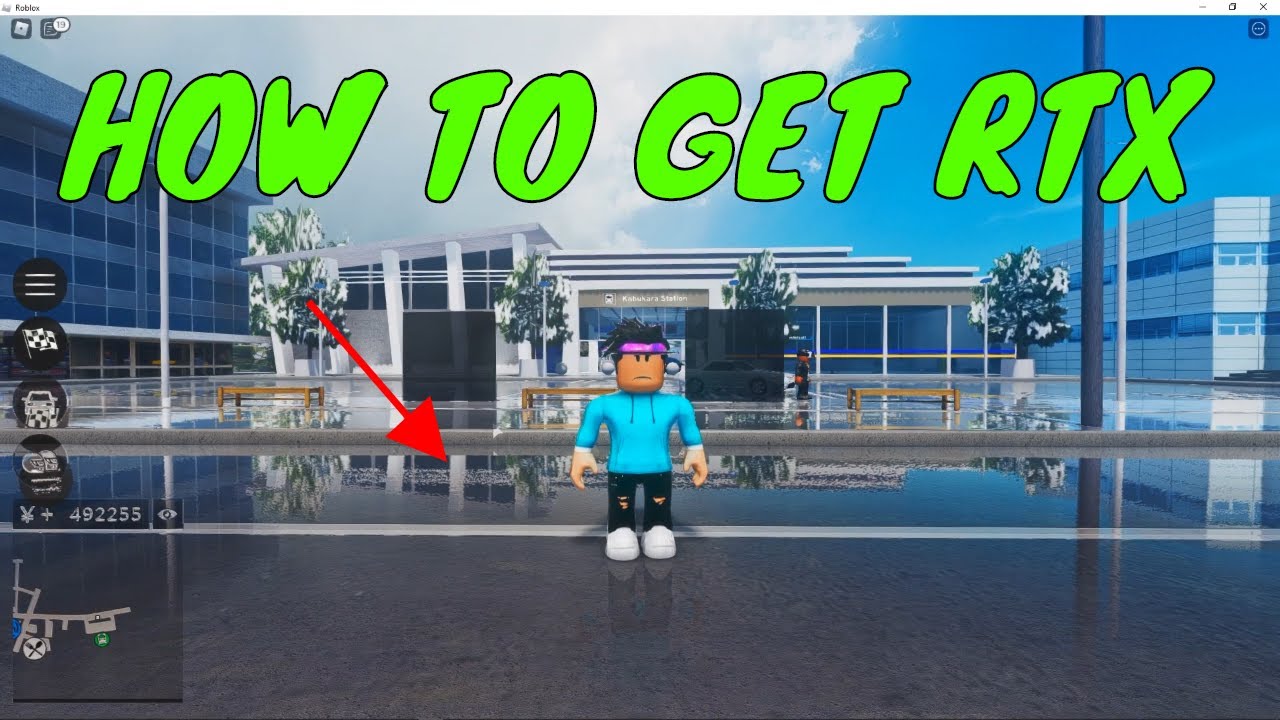

How To Use RTX In Roblox Install FREE RTX Roblox Game YouTube . RTX Mod For Roblox Kh M Ph C Ng Ngh H A Nh Cao . Does Roblox Support RTX Unpacking Ray Tracing For Gamers How To Get Rtx On Roblox Mobile . How To Turn RTX On Minecraft Fortnite And Roblox Tech4Gamers HOW TO TURN RTX ON . How To Turn On RTX On Roblox 5 YouTube


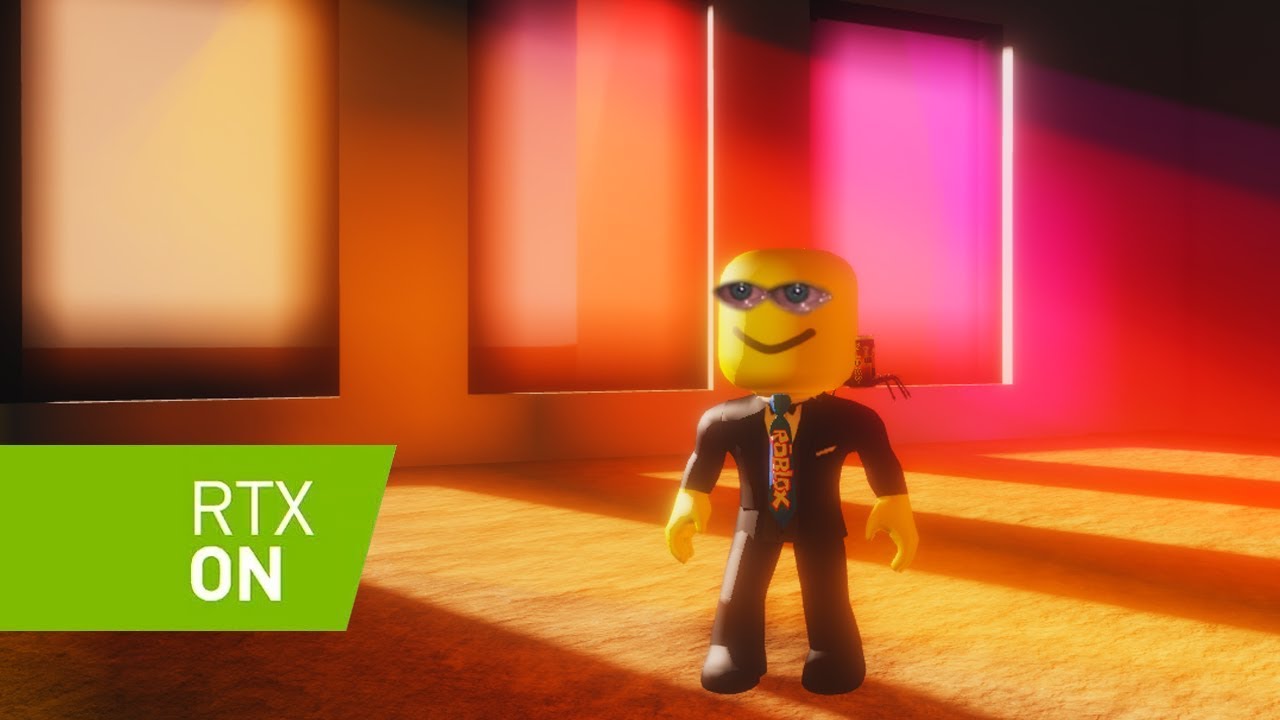
ROBLOX RTX Como Instalar Rtx En Roblox YouTube . How To Install RTX For Roblox Games FREE YouTube . How To Use RTX Shaders After Roblox Byfron Update Bloxshade YouTube . RTX Shaders In Mobile Script For Roblox Updated 2024 YouTube . What If ROBLOX Had RAY TRACING RTX On YouTube



HOW TO DOWNLOAD ROBLOX RTX SHADERS ON MOBILE ROBLOX YouTube Hqdefault . How To Get RTX On Roblox Games 2024 Stealthy Gaming How To Install RTX For Roblox Games 1 . How To Turn On RTX For Mobile YouTube . Roblox Games RTX Showcase Roblox Reshaders ROBLOX RTX ON YouTube . How To Enable Rtx In Roblox YouTube




How To Turn On RTX YouTube . How To Update Roblox In 2026 Fix Error Code 280 On PC Mobile Xbox Roblox Update It.webp. How To Run Rtx On Roblox YouTube . ROBLOX RTX ON BETA Thumbnail 1. How To Turn On RTX In Minecraft 2025 Tutorial YouTube


Can You Develop Roblox Games On Your Phone In 2026 Roblox 5 . Not Able To Change Active Video Camera On Enabled . Want To Disable Roblox Captures Here S How . What Is Haptic Roblox A Player S Guide Oar2 . How To ACTUALLY Turn On Mic For Voice Chat On Roblox Mobile Or Pc



How To Turn On RTX In Minecraft Bedrock 2025 Full Guide YouTube . How To Message On Roblox 2026 A Quick Guide . How To Turn On The Microphone On Roblox Voice Chat Enable Roblox App. How To Enable Shift Lock On Roblox Mobile March 2026 Full Guide Enable Shift Lock On Roblox Mobile . How To Turn On RTX On Roblox UMA Technology SL160




RTX On Vs RTX Off Compara O Do RTX Graphics No ROBLOX Faz Alguma . As Es ROBLOX REALISTA RTX YouTube . How To Turn RTX On Minecraft Fortnite Roblox More Turning Rtx On 696x292 . BEST RTX SCRIPT ON ROBLOX WORKS ALL GAMES PC MOBILE ROBLOX YouTube . ROBLOX BUT RTX IS ON 1 YouTube